7 Best Registration Management Software for Courses & Events
By Gaurav Sharma

The best registration management software for courses, corporate events, and workshops helps manage sign-ups, payments, and attendee records. Regpack, Arlo, Cvent, Eventbrite, and CourseStorm are popular options. Some tools also handle waitlists, payment plans, and transfers.
Many teams use spreadsheets and payment links. This works for small events. It gets harder as registrations grow.
We review some of the best registration management software tools. We also explain how to choose one.
What Is Registration Management Software?
Registration management software collects sign-ups, takes payments, and stores attendee records. It also handles confirmations, waitlists, payment plans, transfers, and refunds. The best registration management software gives organizers a clear record of who is attending.
Buyers often mix up three tools, but they do different jobs:
-
Ticketing software sells seats to attendees
-
Event management software helps plan and run events
-
AI event sales tools help win sponsors and exhibitors
Registration management software focuses on sign-ups, payments, and attendee records.
Do Workshops, Courses and Corporate Events Need Different Registration Software?
Yes. Workshops need capacity limits, while courses need cohort transfers. Corporate events need procurement support. The best registration management software should match your main event type. The right fit prevents sign-up, payment, and record problems.
-
Workshops: Capacity and waitlists matter most. Workshop registration software should track places and manage cancellations.
-
Courses: Cohort transfers and installment payments are key. Course registration software should make both easy.
-
Corporate Events: Procurement often sets the rules. Corporate event registration software should support purchase orders, approvals, and links to HR or CRM software.
|
Do Different Events Need Different Registration Software? Yes. Workshops need capacity limits and waitlists, while courses need cohort transfers and payment plans. Corporate events need invoicing, approvals, and system integrations. Choose software based on the events you run most often. |
Which Are the Best Registration Management Software Solutions?
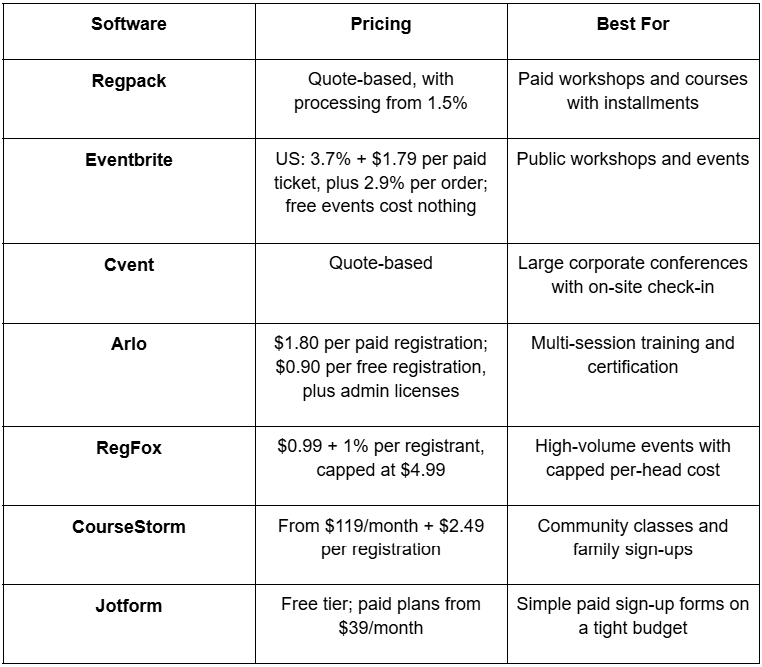
The best registration management software includes Regpack, which suits paid workshops and courses, and Eventbrite, which suits public workshops. Cvent covers large corporate conferences, while Arlo handles multi-session courses. RegFox handles high volumes, CourseStorm fits community class catalogs, and Jotform covers simple paid sign-ups.
Here’s how these event registration management tools compare, as of November 2026.
1. Regpack
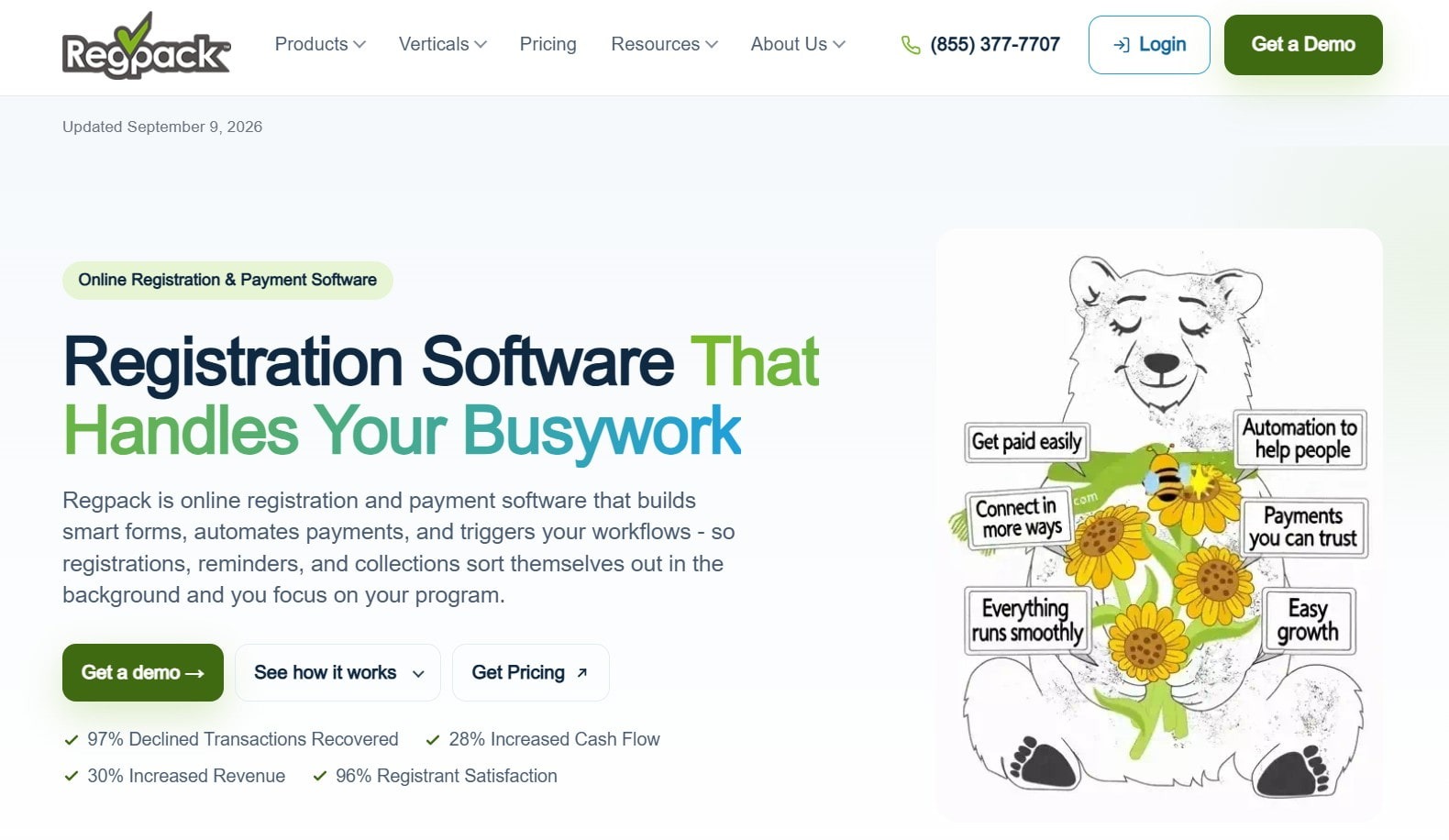
Image via Regpack
Regpack is one of the best registration management software options for courses, programs, and events collecting installment payments. Its conditional forms handle group rates and family sign-ups in one process.
Apart from registration is also a payment automation platform designed for camps, courses, events , training programs, schools, and nonprofits. Regpack works as an all-in-one cloud registration and payment automation platform that manages and provides single click access to all information.
-
Payment Plans: Autopay, declined-card retries, reconciliation
-
Automation: Visual builder with 60+ trigger conditions
-
Pricing: Quote-based, with an unlimited plan and payment processing rates starting as low as 1.5% per transaction.
The catch: pricing isn't published, so every comparison starts with a quote.
2. Eventbrite

Image via Eventbrite
Eventbrite is one of the best registration management software choices for public workshops. Its consumer marketplace helps organizers reach potential attendees. Free events cost nothing to publish, while paid tickets incur fees.
-
Ticket Fees: 3.7% plus $1.79 per paid ticket
-
Processing: 2.9% per order
-
Email: Pro starts at $15/month, with up to 10,000 daily sends
The catch: fees apply to every paid ticket, and buyers pay them unless you absorb them.
3. Cvent
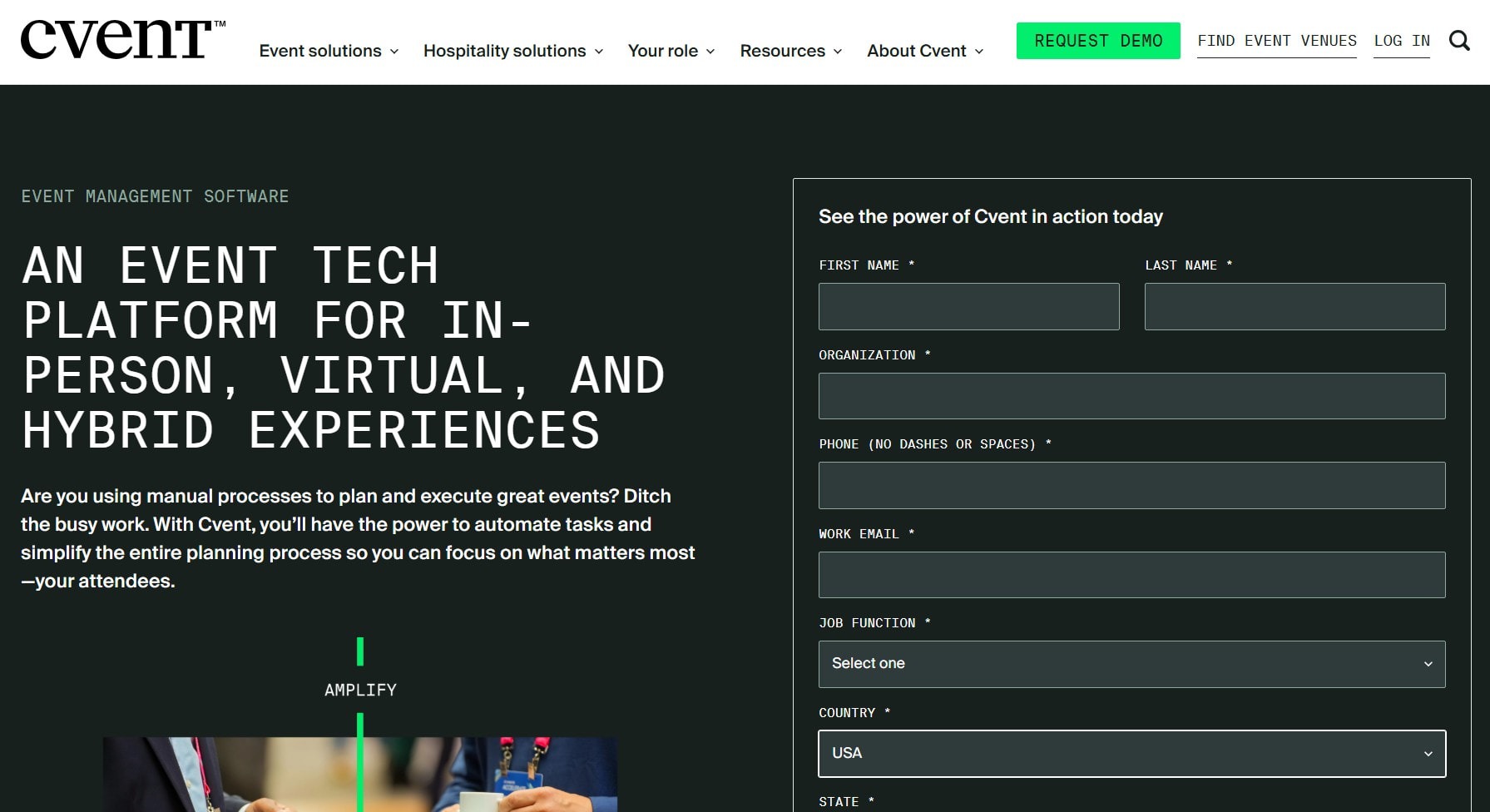
Image via Cvent
Cvent is the enterprise pick among the best registration management software. It's built for large corporate conferences with badge desks. It combines registration, check-in, and badge printing in one platform. At that scale, pricing is a sales conversation.
-
Pricing: Quote-only
-
On-site: Check-in and badge printing through OnArrival
-
Modules: Registration and Attendee Hub, bought separately or together
The catch: its enterprise features can be excessive for a single workshop.
4. Arlo
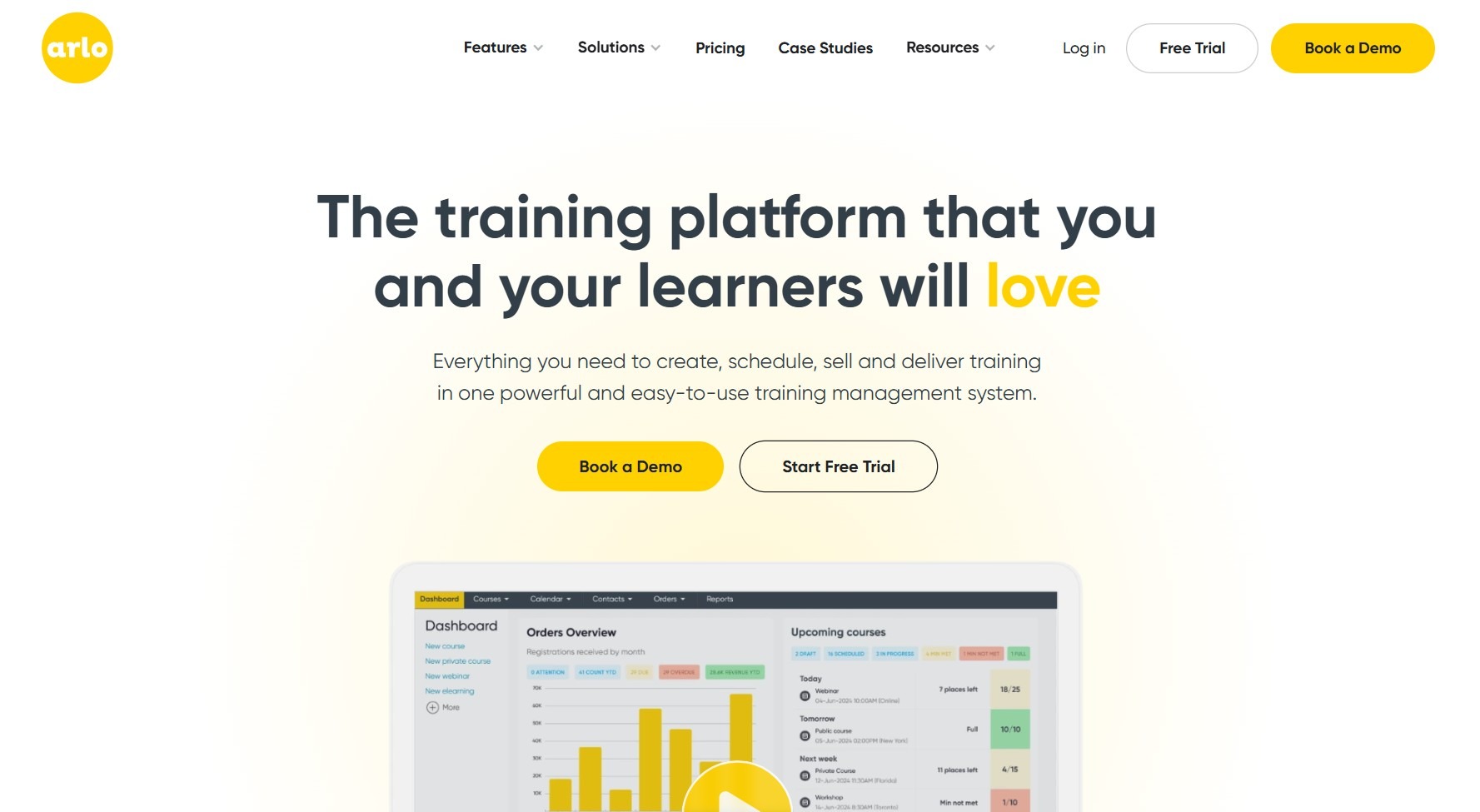
Image via Arlo
Arlo suits training providers comparing the best registration management software for multi-session courses. It combines course scheduling, session tracking, and certification.
-
Pricing: $1.80 per paid registration, plus a license fee
-
Course Structure: Multi-session scheduling and certificates
-
Registration Rules: Custom conditions for each course
The catch: free registrations cost $0.90 each.
5. RegFox
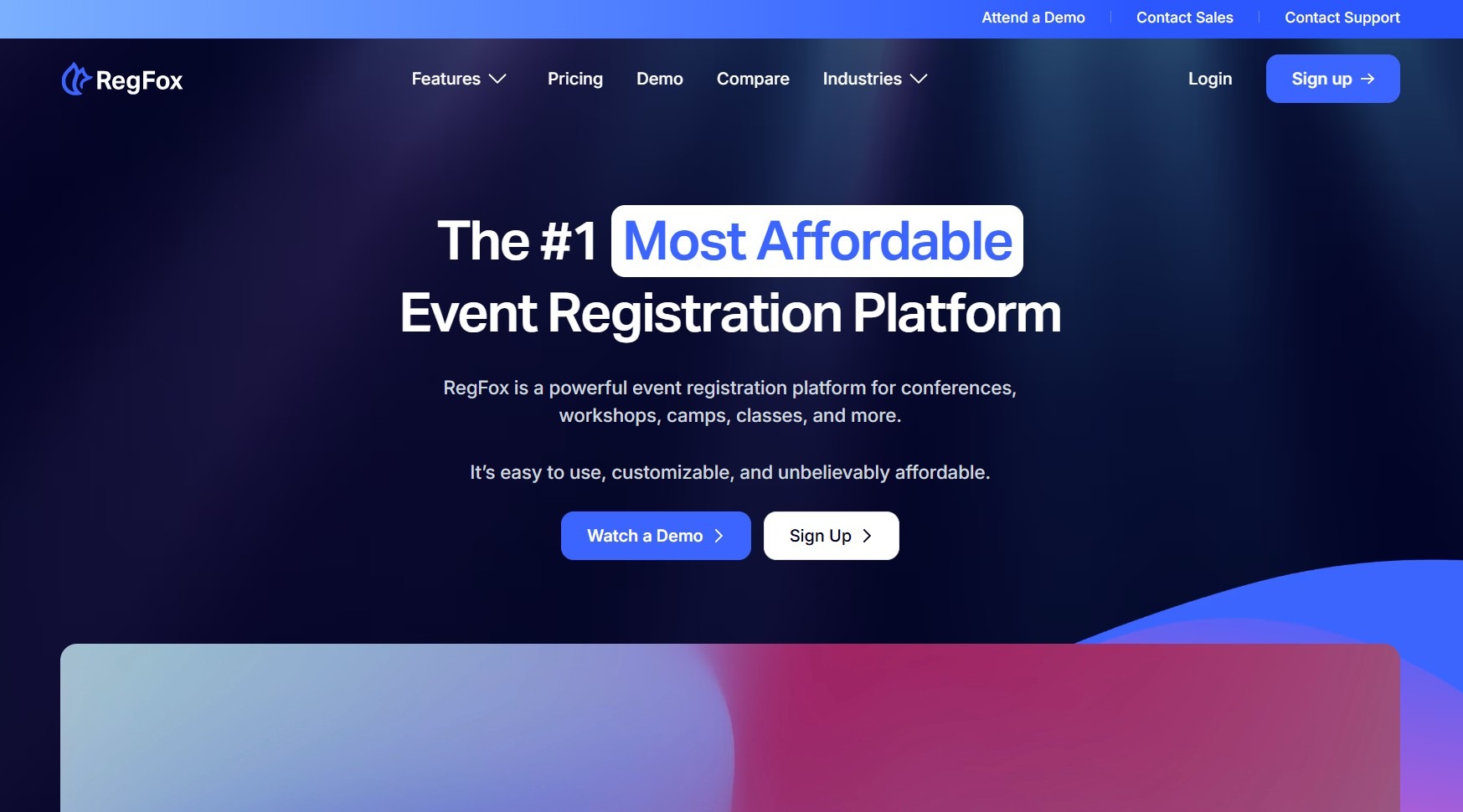
Image via RegFox
RegFox earns a place among the best registration management software options for high-volume events. Its per-registrant fee has a fixed cap, no matter how big the ticket gets. This makes costs easier to predict.
-
Pricing: $0.99 + 1% on Standard, capped at $4.99, plus card processing
-
Subscription: No monthly fee on Standard and Premium
-
Features: Check-in app on Standard, with badge printing and payment plans on Premium, at $1.99 plus 1%
The catch: free events are charged at $0.99 per registrant.
6. CourseStorm
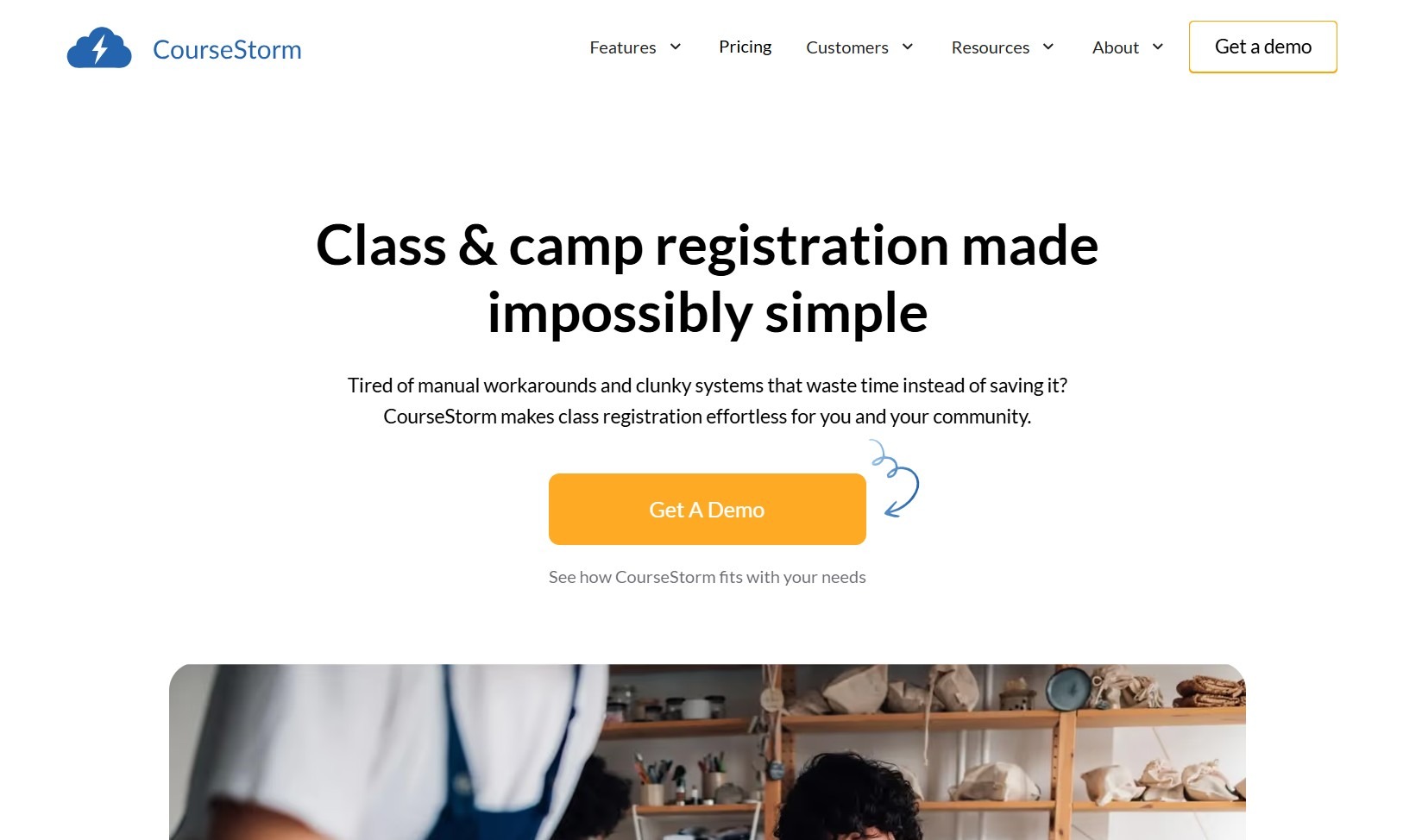
Image via CourseStorm
For community education programs, the best registration management software starts with a browsable catalog. CourseStorm's class catalog lets learners browse courses and register online. Family accounts let one parent enroll several children without repeating the form.
-
Pricing: From $119/month plus $2.49 per registration
-
Catalog: Browsable class listings and online enrollment
-
Family Accounts: One account can register several participants
The catch: the monthly starting fee applies even to smaller class catalogs.
7. Jotform
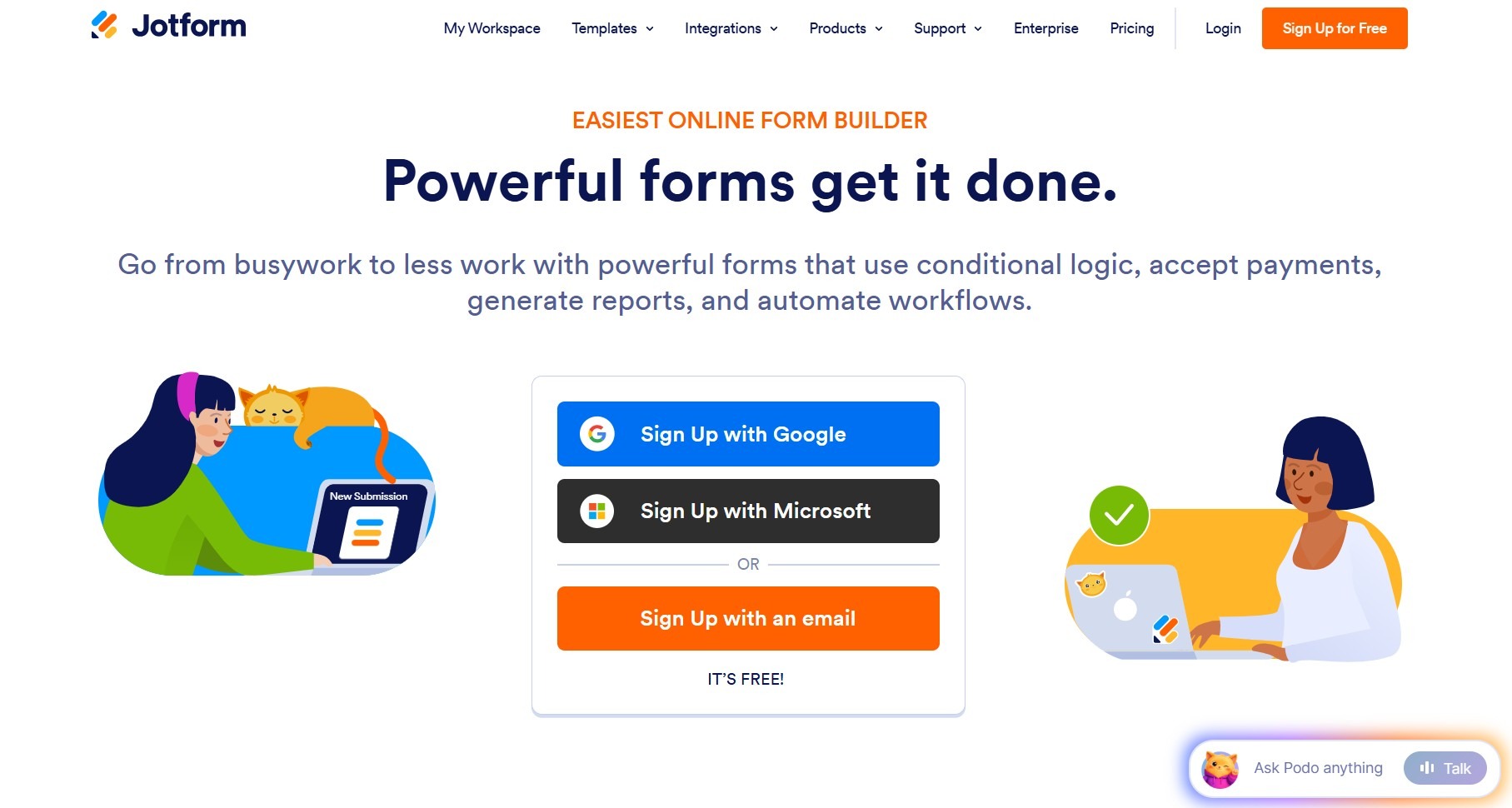
Image via Jotform
Jotform suits teams seeking the best registration management software for simple sign-up forms. Its form builder supports conditional logic and payments through popular providers like Stripe and Square.
-
Free Tier: Permanent, capped at 100 submissions a month
-
Payments: Integrates with Stripe, PayPal, and Square
-
Transaction Fees: None from Jotform, only processor rates
The catch: Jotform is a form builder, not a participant management system. So, cohort tracking falls to you.
|
Which Is the Best Registration Management Software? It depends on the job:
Arlo, RegFox, CourseStorm, and Jotform cover training, high-volume events, community classes, and simple forms. |
How Do You Choose the Best Registration Management Software?
Choose the best registration management software based on registration volume and form needs. Also check payment options, integrations, and pricing. Compare these before extra features. This helps you avoid paying for tools that don't fit your process.
-
Registration Volume: Estimate yearly sign-ups, including recurring courses and cohorts
-
Form Complexity: Check if fields can change by registrant type
-
Payment Needs: Confirm support for payment plans, refunds, and transfers
-
Data Integrations: Make sure registration records sync with your CRM or accounting software
-
Pricing: Compare per-ticket, per-registrant, and subscription fees against expected volume
Remember to calculate the total cost. Use your actual registration numbers and ticket prices.
FAQ
1. Is There a Better Alternative to Eventbrite?
It depends on the job. For example, Eventbrite has a marketplace where people can find public events. Regpack, RegFox, and Arlo focus more on registration and payments. Choose based on reach or registration features.
2. How Much Does Registration Management Software Cost?
Prices vary by platform. For instance:
-
Eventbrite charges 3.7% plus $1.79 per paid ticket in the US. It also charges 2.9% for processing.
-
RegFox charges $0.99 plus 1% per registrant. The cap is $4.99.
-
CourseStorm starts at $119/month. It also charges $2.49 per registration.
-
Regpack and Cvent require quotes.
3. What’s the Difference Between Registration Management and Event Management Software?
Registration software handles sign-ups, payments, and participant records. Event management software covers wider planning tasks. These include venues, catering, schedules, and vendors. Cvent covers both areas, while Jotform focuses on registration.
4. Is Registration Software the Same as an LMS?
No. An LMS delivers learning content. It also tracks learner progress. Registration software manages enrollment, payments, and participant records.
5. Which Registration Tools Work Best for Workshops?
Workshops are often small, free, and fill fast. Eventbrite charges nothing for free events. RegFox adds conditional logic and a check-in app on Standard. The best registration management software for workshops handles capacity caps and waitlists first.
6. Does Registration Software Support Payment Plans?
Some platforms do, but support varies. Regpack offers payment plans, automatic payments, and retries for declined payments. RegFox offers payment plans on Premium. CourseStorm offers them on Pro. Check with each vendor.
7. Can Form Fields Differ by Registrant Type?
Yes. Regpack forms a branch on each answer. This helps with family sign-ups and group rates. RegFox and Jotform offer conditional logic. Arlo allows custom registration rules. Map the branching before you open registration.
8. Which Registration Software Works Best for Small Businesses?
RegFox suits businesses with uneven registration volumes. Its Standard and Premium plans have no monthly fee. Jotform offers a free option for simple forms. CourseStorm may suit businesses that run regular classes, despite its monthly starting fee.
Conclusion
The best registration management software replaces spreadsheets, payment links, and shared inboxes. It keeps all participant details in one place.
Compare pricing, form options, and payment features. Make sure the platform fits your event volume and registration needs.
To attract attendees and promote your events, book a free consultation with Social Hire.
Back to Small Business blogs